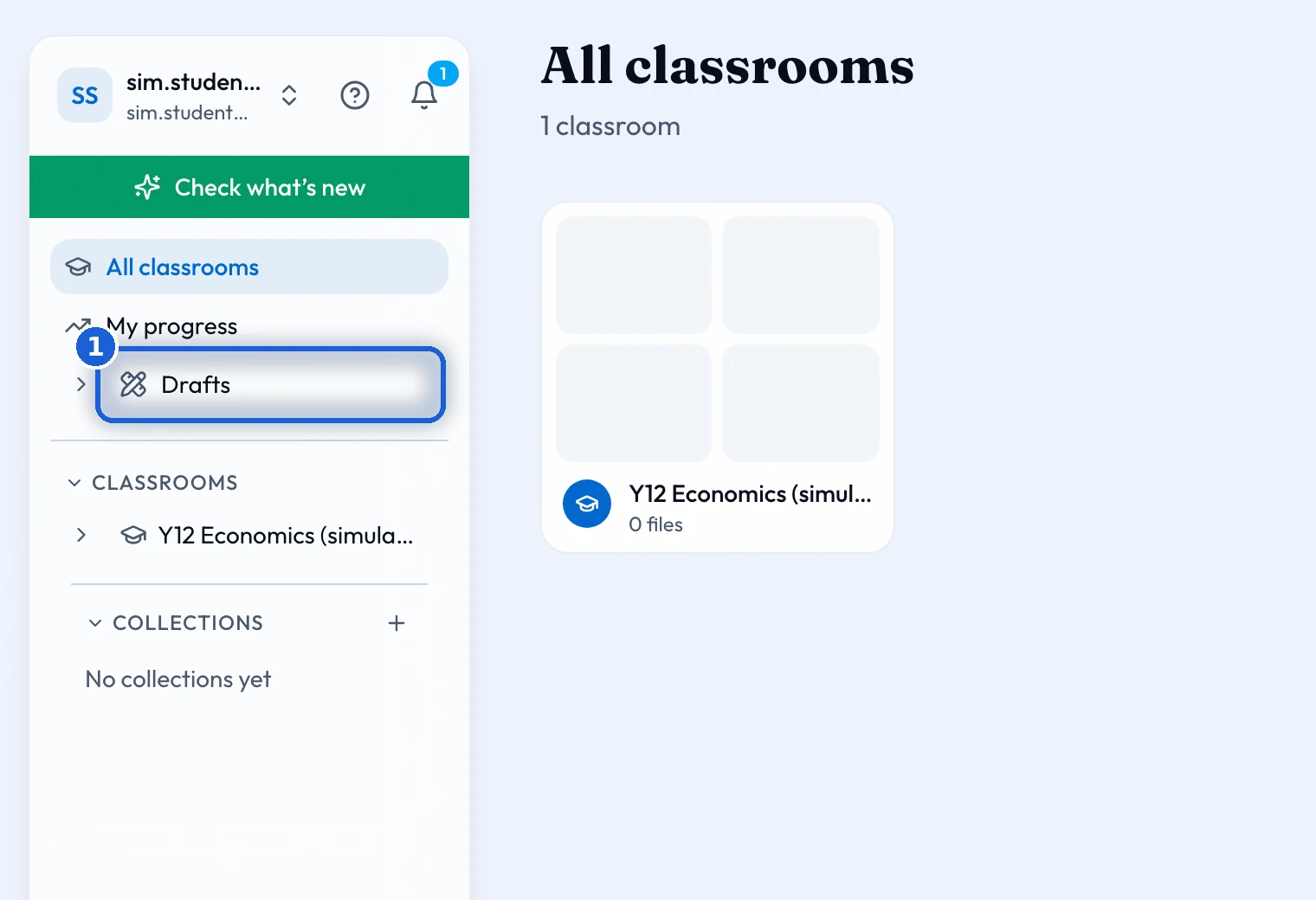
What a student sees: the class’s boards, their own space, the work set for them, My progress, and practice of their own.
Your classroom
A classroom shows the boards and files your teacher shares with the class. 'Shared with teacher' is your own space: your whiteboard, which only you and your teacher can see, your own work, and anything set for you alone.
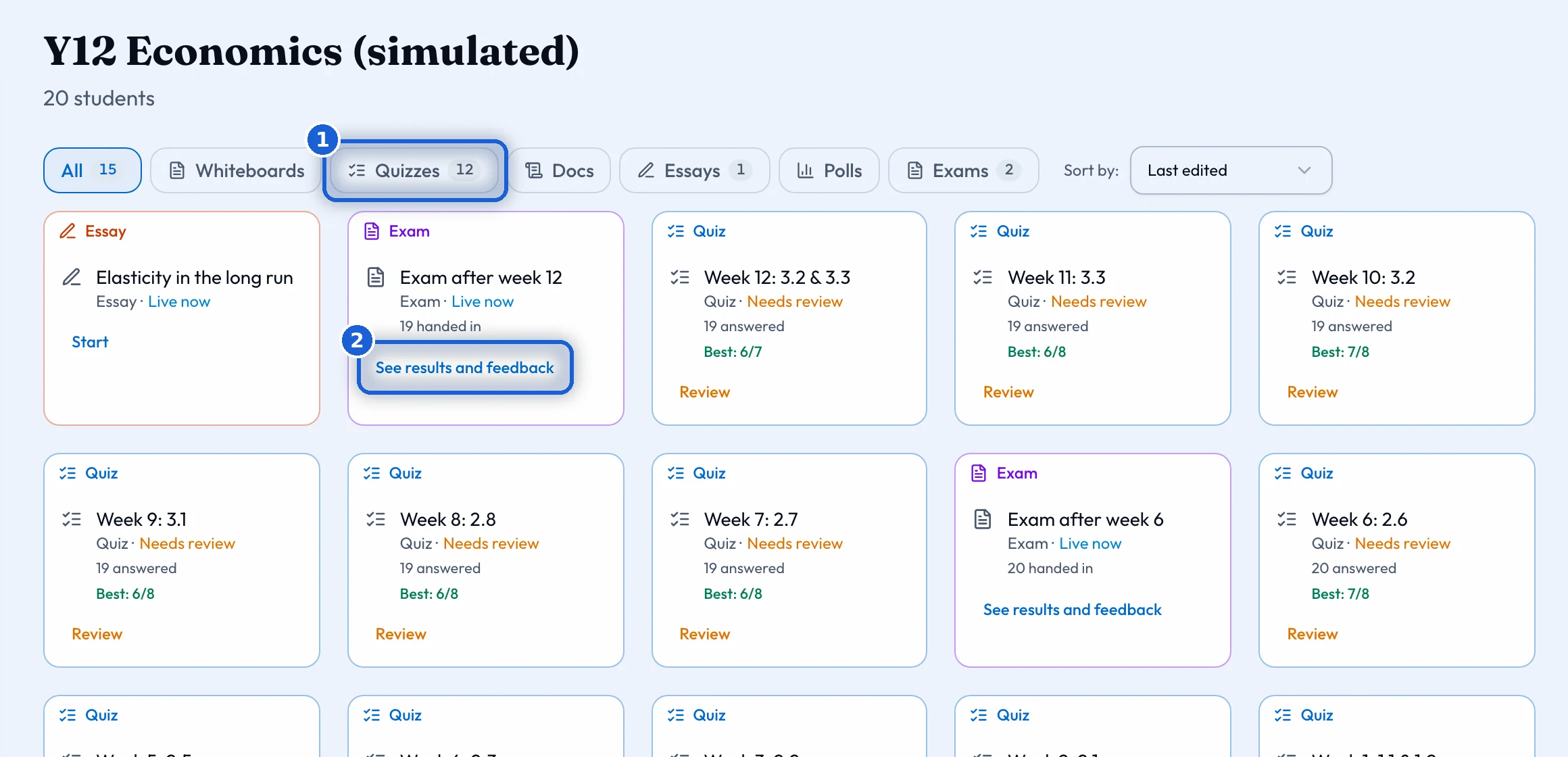
Set work
A quiz says 'Start quiz' while it is open, 'Not open yet' before it opens, 'Retake' while you still have attempts, and 'See results and feedback' once your teacher shows the results. An essay is handed in from its page. Its mark, the comments pinned to your sentences and your teacher’s feedback appear when your teacher releases them. If another try is allowed, it starts from the results page.
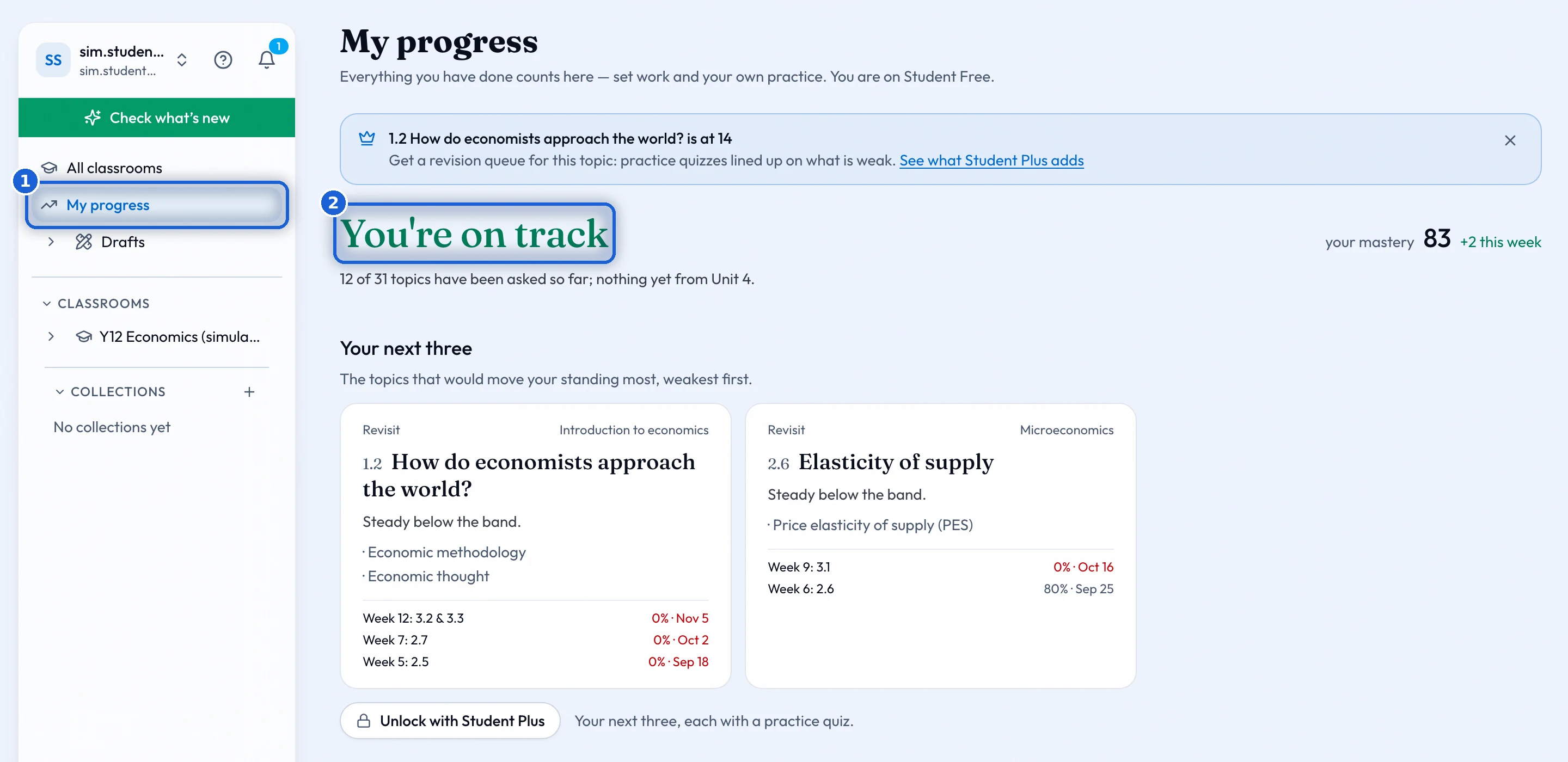
My progress
'My progress' says whether you are on track, need a push or are falling behind, and shows your mastery as one number. Your next three are the topics that would help you most. Each one has 'Practise this'. The syllabus shows every topic with what you say about it: 'Not yet', 'Getting there' or 'Got it'. 'Looking ahead' gives your predicted Paper 1 band and how ready you are for the exam.
On a free account you see where you stand and the topics your teacher’s work has asked about. The next three, the trend, the history and the rest of the map open with Student Plus.
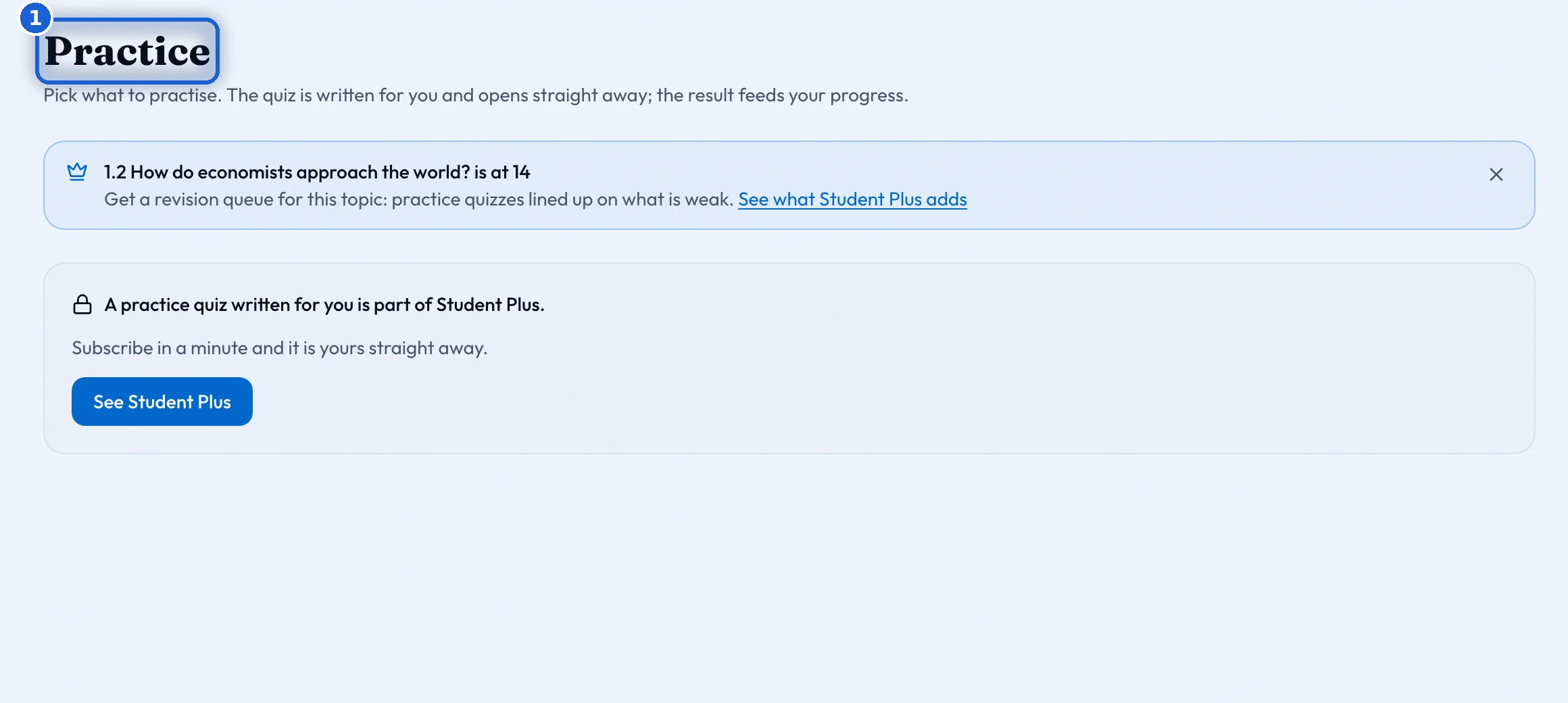
Practise on your own
Press 'Practise this', or 'Quiz' or 'Essay' in the 'Create' menu of your space, of a collection of your own, or of 'Drafts'. This makes a quiz or an essay of your own from the topics you choose. 'Put it' says where it goes: the place you made it from, or one of your boards. A quiz takes a moment to write. In a folder it appears when it is ready. On a board you place it from the 'Activities' panel once it is ready.
Your teacher sees your marks, not your answers, unless you share them. Each piece of your own work has a switch under it, and your results page has the same switch. Work your teacher sets is always theirs to see.
'Retake' shows the same questions again and keeps your best score. Only your first hand-in of a quiz of your own counts toward My progress. To move My progress, make a new quiz on the topic.
Drafts and collections of your own
'Drafts' holds your own boards and documents, and your own collections sort them. Every diagram template is yours on any plan. The tools that write and mark work come with Student Plus.