Set a question, or have one written from the syllabus. The marker reads each script like an examiner. You edit the comments and release the marks when you are ready.
Set it
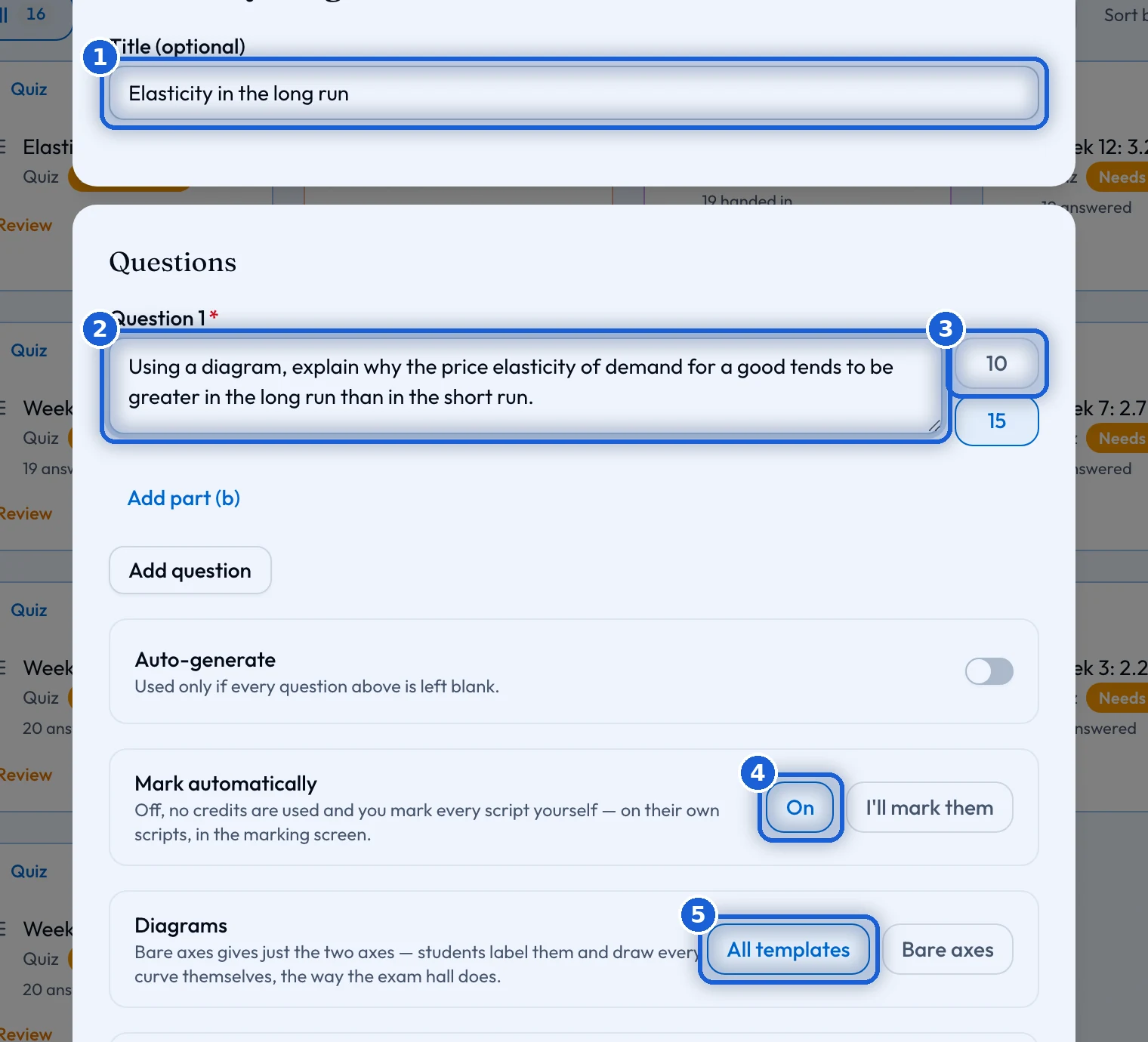
In the classroom, press 'Create', then 'Essay'. Write the questions yourself, or leave them empty and press 'Auto-generate'. Then pick a topic, whether the question stands alone or has an (a) part and a (b) part, and whether it is worth 10 or 15 marks.
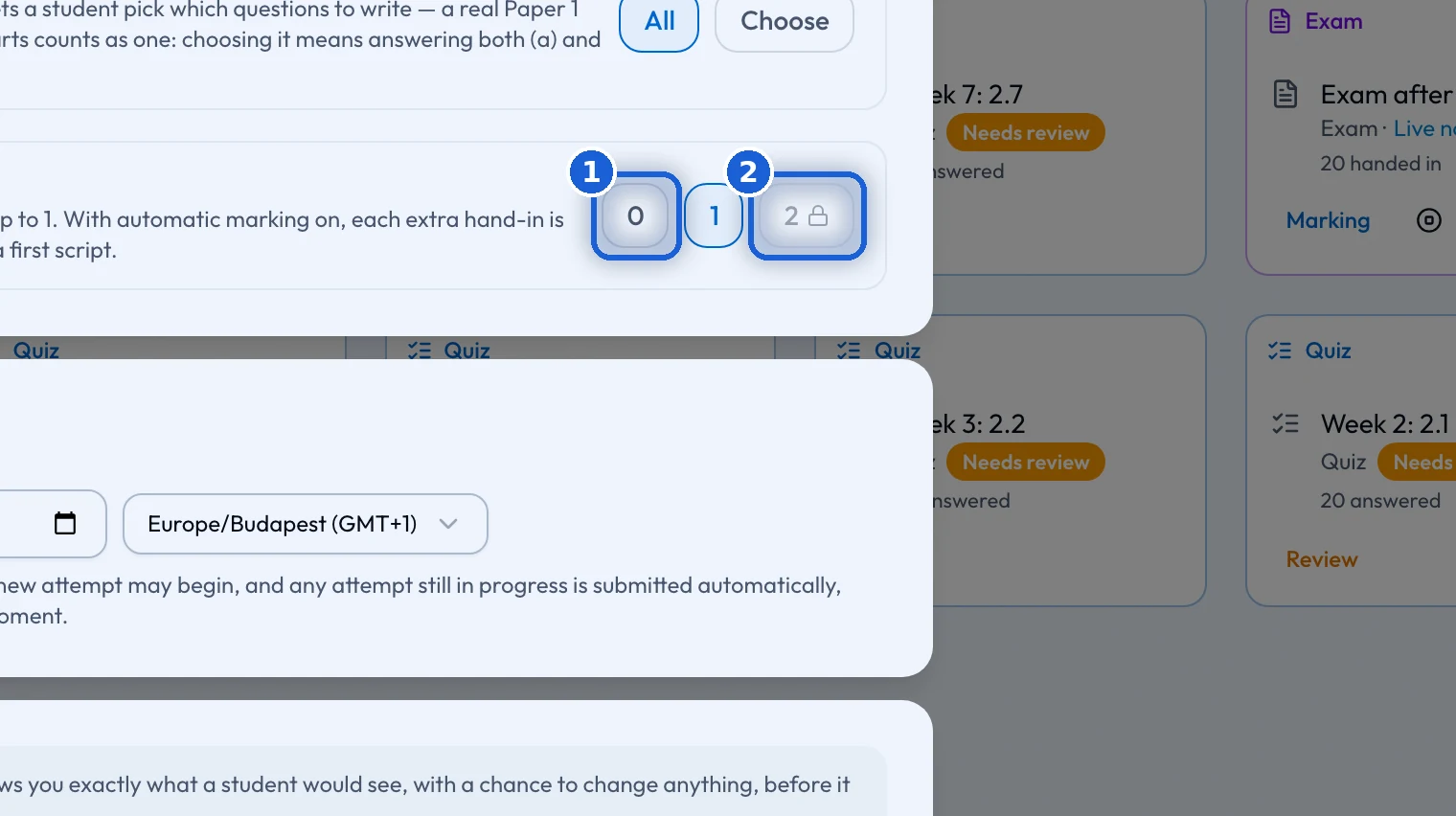
'Mark automatically' is on by default. Switch it to 'I’ll mark them' to mark every script yourself. That costs no credits. Then choose whether students get every diagram template ('All templates') or the two axes only ('Bare axes'), whether pasting is allowed, who the essay is for, whether every student or only some students answer, how many extra hand-ins they may make, and a deadline if you want one.
Check it
'Generate and Review' shows exactly what a student will see: the questions, the marking, the diagrams, the pasting rule, the hand-in rule and the deadline. Each has an 'Edit' button. Nothing reaches the class until you press 'Assign Essay'. The estimate next to it says what writing the questions costs now, and what marking the scripts will cost when you start.
Marking
Each script comes back with a mark out of 10 or 15, and comments pinned to the sentences they are about, like an examiner’s notes. On the 'Marking' screen you read them, change a mark or a comment, and add your own feedback for the student.
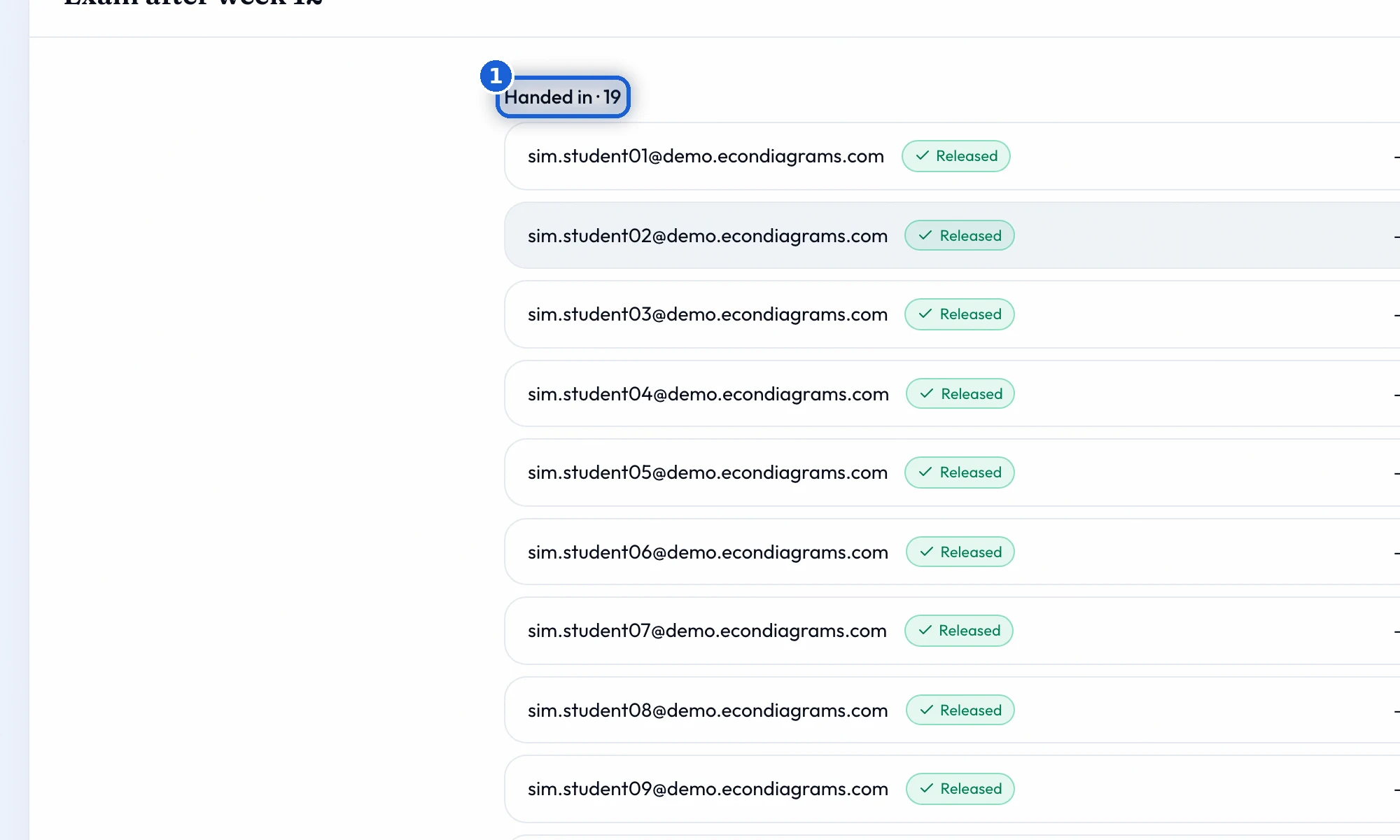
'Release to N students' shows the marks to the class. Until then a student sees 'Answers submitted' and that you are reviewing it.
Another try
If you allowed extra hand-ins, a student can start the next one from their results page once the marks are released. Each hand-in is marked on its own. The free plan allows no extra hand-ins, the Teacher plan one, the School plan two.